
Every appliance in your home, on a schedule
Most of us find out a filter needed changing when something stops working. Onboard My Home keeps the list, sets the schedule, and tells you what to do and when.
Get startedFree to use. No credit card.
How it works
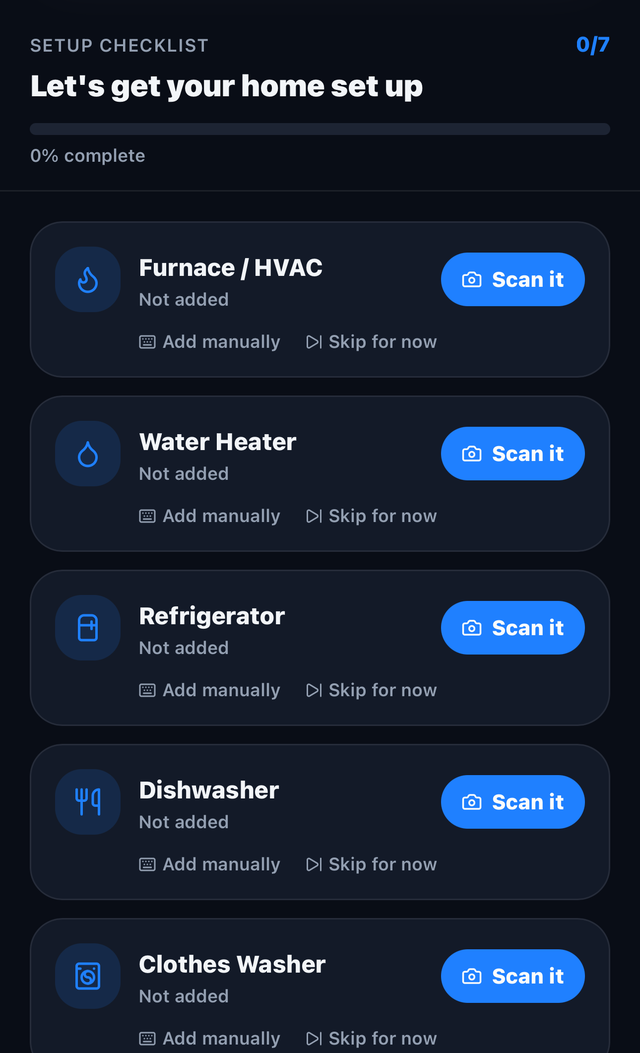
Add what you own
Go room by room. Snap a photo of the nameplate and we read the brand, model and serial for you.
We build the schedule
Each appliance gets its maintenance plan, set to what the manufacturer actually calls for.
You get told in time
Quarterly reminders by email, the part you need, and a link to reorder it.
What you get
Every room, every appliance
One place for the whole house, with the model and serial numbers you can never find when you need them.
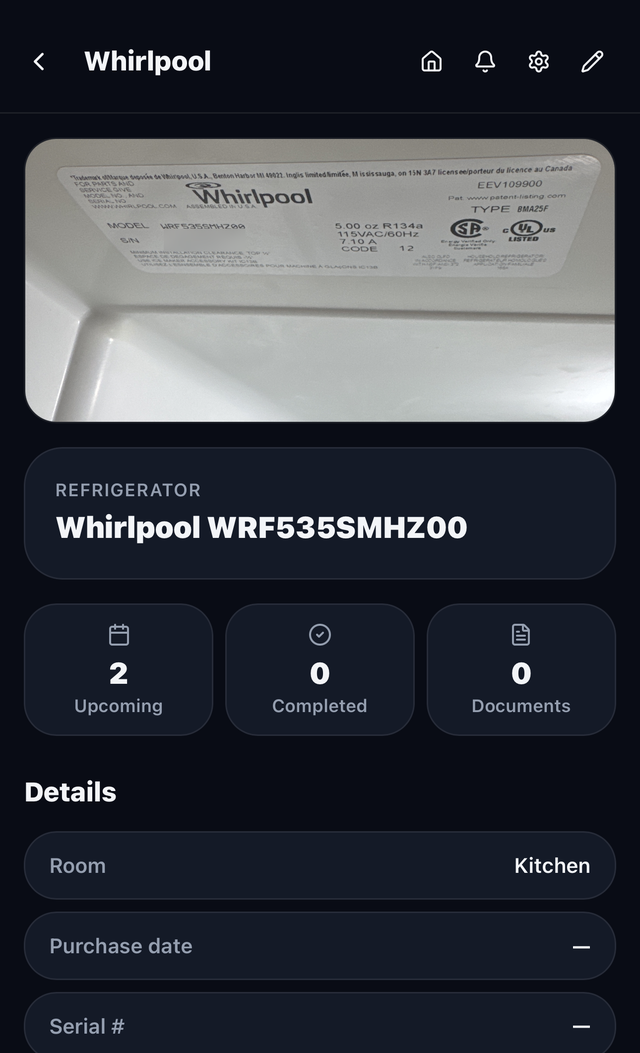
Scan the nameplate
Point your phone at the sticker on the side of the unit. We fill in the rest.
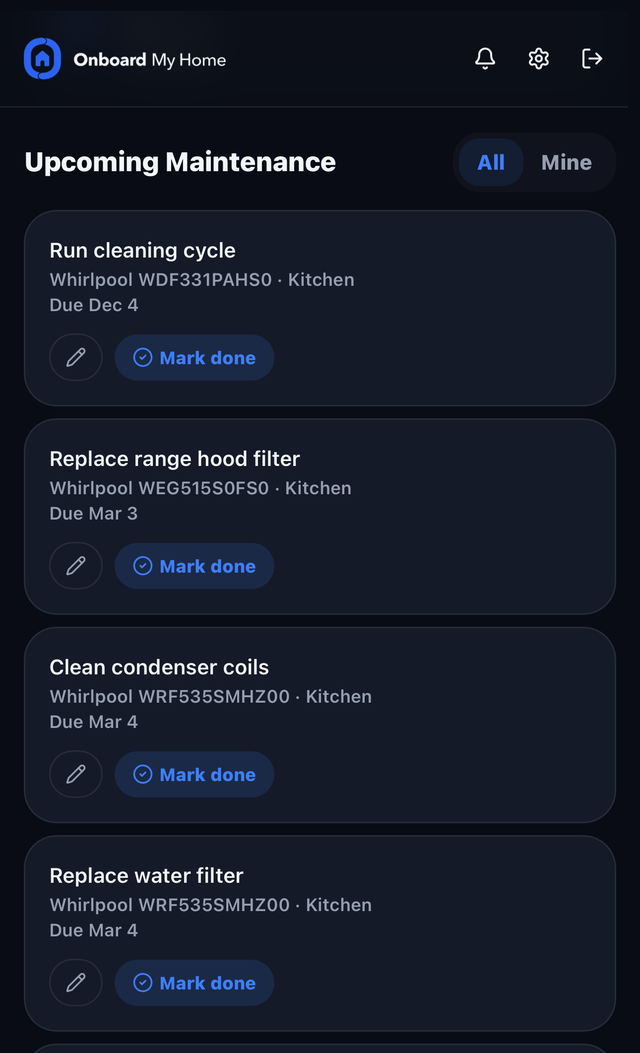
Maintenance to spec
Filters, belts, flushes and inspections, scheduled at the interval the manufacturer specifies.
Reminders that show up
Email when something is due, so it happens before it becomes a repair bill.
Manuals and documents
Warranties, receipts and manufacturer support pages, kept with the appliance they belong to.
Share the house
One home, two logins. Assign work to each other and both get notified.
Share with friends
Start a group with friends or family and compete home against home each quarter, to see who has their home the most dialed in.
A look inside
Questions
Is it free?
Yes. The app is free to download and free to use, and every feature described on this page is included.
Do I have to enter model numbers by hand?
No. Take a photo of the nameplate and we read it. You can type it in if you would rather, or skip it entirely and add it later.
What if I do not know what maintenance an appliance needs?
That is the point. Tell us what it is and we schedule what the manufacturer calls for, including the consumable parts that need replacing on a cycle.
Does it work on my phone?
Yes. It runs in any browser and installs to your home screen like an app. Add to Home Screen on iPhone, Install app on Android.
How do you make money?
When we tell you a part is due, we link to where you can buy it. Some of those are affiliate links, which means we may earn a commission on the purchase. It costs you nothing extra and it never changes what we recommend. As an Amazon Associate we earn from qualifying purchases.
Start with one room
Add a few appliances and see what is actually due. It takes a couple of minutes.
Get started